Why Does Starlink Keep Disconnecting? Causes and Real Fixes
Quick Answer
Question: Why does Starlink keep disconnecting, and what can you do about it?
Answer: Starlink disconnections usually come down to obstructions blocking your dish's sky view, network congestion during peak hours, weather interference, or firmware and hardware quirks. You can fix some of these yourself by repositioning the dish or clearing obstructions, but others are baked into how satellite internet works. If you've been troubleshooting for weeks and the drops keep coming, it might be time to consider whether satellite is the right fit for your situation at all.
---
You Paid $600 for Equipment That Can't Hold a Connection
That's the part that really stings, isn't it? You did your research. You waited months for the kit to ship. You mounted the dish, ran the cables, got everything set up, and for a while it seemed like the rural internet problem was finally solved.
Then the disconnections started.
Maybe it's during a video call with your boss, and you freeze mid-sentence while your coworkers watch your pixelated face hang there for ten seconds. Maybe it's your kid's online homework submission that fails and has to be redone. Or maybe you're just trying to stream a movie after a long day and the buffering wheel shows up every few minutes like clockwork.
If you open your Starlink app right now and tap into the debug data under "Outages," you'll probably see a pattern: dozens of short disconnections scattered throughout the day, some lasting only two or three seconds. Those micro-outages might seem minor on paper, but they're devastating for anything that needs a persistent connection. Video calls, VPN sessions for remote work, online gaming, even basic web browsing during a bad stretch. Two seconds is more than enough to kill a Zoom call or drop you from a work VPN.
You're not imagining it, and you're not doing anything wrong. This is a real and well-documented issue, and there are things you can do about it. But I want to be honest with you about which fixes actually help and which problems are simply part of the technology.
---
Why Starlink Disconnects (The Real Reasons)
Obstructions Are Almost Always Involved
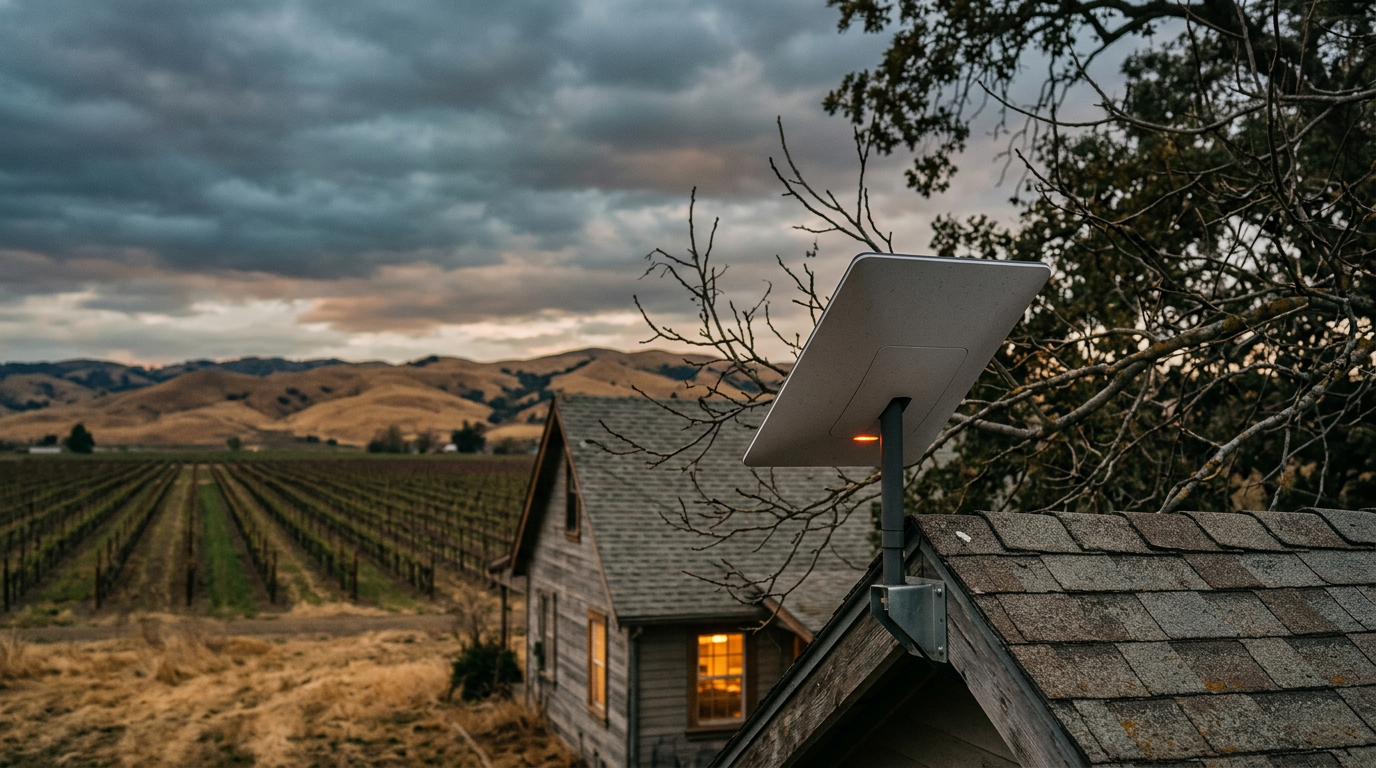
Starlink communicates with a constellation of low-Earth orbit satellites that are constantly moving across the sky at roughly 17,000 miles per hour. Your dish has to track these satellites and hand off between them seamlessly, which means it needs a wide, unobstructed view of the sky in nearly every direction.
Even a single tree branch swaying into the signal path for a moment can cause a brief dropout. And because the satellites are moving, the specific obstruction that causes a disconnect at 2pm might not be a problem at 2:15pm, which makes the whole thing feel random and impossible to diagnose. It's not random though. The dish is just losing line-of-sight to a satellite at specific points in its orbital path, and something in your environment is in the way.
I've seen people assume their dish placement is fine because it "looks clear" from the ground. But the Starlink dish needs roughly 100 degrees of open sky, and obstructions you can barely see from standing height, like a chimney edge or a tree branch 80 feet up, absolutely matter.
Network Congestion Has Gotten Noticeably Worse
This one is harder to talk about because there's nothing you can do about it on your end. As Starlink has added subscribers in each coverage area, the available bandwidth per user has gone down. SpaceX keeps launching satellites, but subscriber growth has outpaced capacity in a lot of regions.
If your disconnections and slowdowns tend to cluster between about 6pm and 11pm, congestion is almost certainly a factor. You might have 150 Mbps at 6am and struggle to hold 10 Mbps by 8pm. That's not a broken dish. That's a shared network under strain.
Weather Is a Bigger Deal Than Most People Expect
Heavy rain, wet snow, and even dense cloud cover can attenuate the satellite signal enough to cause drops. The dish has a built-in heater to melt snow accumulation, which is a nice feature, but it can't do anything about a thick band of rain sitting between you and a satellite 340 miles overhead.
Moderate rain usually doesn't cause complete disconnections, but heavy downpours and thunderstorms absolutely can. And because you can't control the weather or the satellite positions, some percentage of your disconnections are simply going to happen no matter what you do.
Firmware Updates Sometimes Make Things Worse Before They Get Better
Starlink pushes firmware updates to your dish automatically, and most of the time you won't even notice. But occasionally an update introduces new bugs, changes how the dish handles handoffs between satellites, or causes unexpected reboots. If your disconnections started suddenly after a period of stable service, a firmware issue is worth investigating.
---
What Actually Works (and What Doesn't)
1. Do a Real Obstruction Check and Take It Seriously
Open the Starlink app, go to the obstruction viewer, and do a full 360-degree sky scan from where your dish is currently mounted. The app will show you exactly which directions have obstructions. Red zones mean satellites in those parts of the sky are being blocked.
This is genuinely the single most impactful thing you can do. Sometimes moving the dish just 10 or 15 feet laterally, or raising it higher on a pole mount, eliminates the worst obstructions entirely. I know it's a pain to remount the dish, especially if you ran cables through walls, but if the obstruction map shows significant red zones, no other fix is going to matter until you deal with this.
A few specifics that help: mount the dish as high as possible, ideally above your roofline. Use a J-mount or a pole mount rather than the ground tripod that comes in the kit. If trees are the issue, consider whether selective trimming is an option before you give up on the current location.
2. Reboot the Dish and Check for Firmware Issues
Unplug the dish from power for a full 20 seconds, then plug it back in. This forces a fresh boot cycle and can sometimes trigger a firmware update check. You can see your current firmware version in the app under Advanced settings.
This sounds too simple to work, but it resolves issues more often than you'd think. Starlink's system is basically a small Linux computer strapped to a motorized antenna, and like any computer, it occasionally needs a restart. If you haven't power-cycled the dish in months, do it now.
3. Take the Starlink Router Out of the Equation
The router that ships with the Starlink kit is fine for basic use, but it's not great. If you're experiencing disconnections, it's worth figuring out whether the problem is the satellite connection itself or the Wi-Fi link between the router and your devices.
Try connecting a laptop directly to the Starlink router via ethernet (you may need an adapter depending on which generation kit you have) and monitor the connection for a few hours. If the disconnections go away, your problem is Wi-Fi related, not satellite related, and that's actually good news because Wi-Fi problems are much easier to fix.
If you're comfortable with networking, you can put the Starlink router into bypass mode and use your own third-party router instead. A decent Wi-Fi 6 router with proper placement can dramatically improve in-home coverage and eliminate Wi-Fi-related drops.
4. Adjust Your Expectations for What Satellite Can Do
This is the advice nobody wants to hear, but I think it's important. Starlink is an incredible piece of technology, and for people in truly remote areas with zero other options, it's been life-changing. But it has fundamental limitations that no amount of troubleshooting can overcome.
The signal travels 340+ miles to space and back. Satellites are constantly moving. Weather affects the signal. The network is shared among all users in your area. These realities mean that some number of brief disconnections per day is normal for satellite internet, and if your work or lifestyle depends on a rock-solid connection with zero drops, satellite service of any kind may not be the right primary solution for you.
---
When the Real Problem Isn't Your Dish
After you've optimized your dish placement, rebooted everything, sorted out your Wi-Fi, and you're still dealing with daily disconnections, it's worth asking a different question: is satellite the right technology for what I need?
For a lot of people in rural and semi-rural areas, the assumption is that Starlink is the only option. And sometimes that's true. But sometimes there's a fixed wireless or local ISP option they never looked into because they assumed it didn't exist or wouldn't be any good.
If you're in an area served by Softcom Internet Communications, this is worth a real conversation. Softcom delivers internet through a ground-based network, which means your connection doesn't have to travel to space and back, doesn't drop out when a cloud passes overhead, and doesn't degrade because thousands of other subscribers in your region are all streaming at the same time.
---
Frequently Asked Questions
Why does my Starlink disconnect for just a few seconds at a time?
Those brief micro-outages are almost always caused by obstructions in your dish's line of sight to the satellites overhead. Because the satellites are moving constantly, even a small obstruction like a tree branch can block the signal for just a moment before the dish picks up a different satellite. Check the obstruction map in your Starlink app to see if there are red zones, and consider repositioning or raising the dish if there are.
Is Starlink worse during the evening than the rest of the day?
Yes, in most areas. The period between roughly 6pm and 11pm is when the most subscribers are online at the same time, and because Starlink's bandwidth is shared across all users in a coverage cell, speeds drop and disconnections can increase during those peak hours. This is a network congestion issue, and there's unfortunately nothing you can do on your end to fix it.
Can weather really cause Starlink to disconnect?
Absolutely. Heavy rain, wet snow, and thick cloud cover can all weaken the signal between your dish and the satellites. Light rain or thin clouds usually won't cause a full disconnection, but a strong thunderstorm or heavy snowfall can knock you offline temporarily. The dish does have a built-in heater to melt snow accumulation, but it can't clear the sky between you and a satellite 340 miles up.
Should I replace the Starlink router with my own?
It's worth testing first. Connect a device directly to the Starlink router via ethernet and see if the disconnections continue. If they stop, the issue is your Wi-Fi, not the satellite link, and swapping in a better third-party router could solve the problem entirely. If the drops persist even over a wired connection, the router isn't your bottleneck.
When should I consider switching away from Starlink?
If you've moved the dish to a spot with a clear sky view, rebooted everything, ruled out Wi-Fi problems, and you're still losing connection multiple times a day, the issue is likely inherent to satellite internet itself. At that point, it makes sense to look into ground-based alternatives like fixed wireless providers in your area. A connection that doesn't travel to space and back will always be more stable for things like video calls and remote work.
---
The Bottom Line
If your Starlink keeps disconnecting, start with obstructions. That's the fix with the highest success rate by far. Then work through firmware, rebooting, and Wi-Fi troubleshooting. You'll probably see some improvement.
But if you've done all of that and you're still losing connection multiple times a day, the problem might not be something you can fix. It might be the technology itself. And in that case, looking into a ground-based provider like Softcom Internet Communications could save you a lot of frustration. Reliable internet shouldn't require you to become a part-time network engineer just to get through a video call.