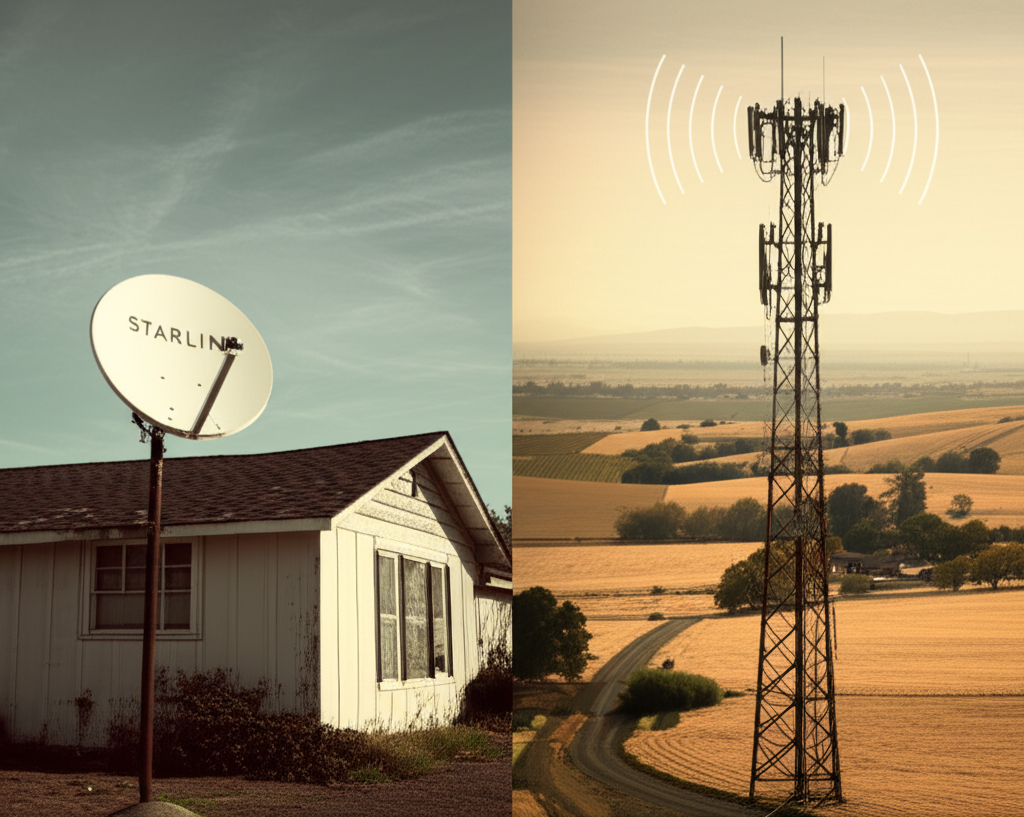
Starlink vs AT&T 5G for Rural Internet: Which One Actually Delivers?
If you've spent the last decade watching Netflix buffer at 480p while your cousin in the suburbs streams 4K without a second thought, you don't need anyone to explain the rural internet gap to you. You've lived it. You've restarted the router at 2 AM, driven to a McDonald's parking lot to submit a work file, and probably considered moving just to get a decent connection. So when someone tells you that Starlink and AT&T 5G are finally bringing real broadband to rural America, your first reaction is probably equal parts hope and skepticism. Fair enough. Let's figure out which one, if either, is actually worth your money.
Quick Answer
Question: Should I choose Starlink or AT&T 5G for my rural internet connection?
Answer: It depends almost entirely on where you live and what you need. Starlink covers far more rural territory because it only requires a clear view of the sky, and it typically delivers 25-100 Mbps download speeds. But you'll pay $599 upfront for equipment and $120 per month, and the connection can get flaky in bad weather. AT&T 5G home internet is cheaper month-to-month ($50-70) and can hit 100-200+ Mbps when the signal is strong, but its rural availability is genuinely spotty. Many addresses just won't qualify. If you check both and find that neither works well for your specific location, fixed wireless providers like Softcom Internet are worth a serious look. Their Freedom GIG and Freedom 400 plans are built specifically for areas the big providers underserve, and they offer symmetrical upload speeds up to 200 Mbps, a significant edge if you're working from home or uploading large files.
Why This Decision Feels So Personal
This isn't like picking between two streaming services where the stakes are a few bucks and some inconvenience. Your internet connection determines whether you can work from home, whether your kids can do homework without a meltdown, and whether you can video call your doctor instead of driving 45 minutes to a clinic. For a lot of rural households, getting this choice wrong means another year or two of frustration before you can switch.
And the frustrating part? The marketing makes both options sound like miracles. Starlink runs ads showing people in the middle of nowhere pulling down fast internet from space. AT&T's coverage map paints half the country in reassuring shades of blue. Neither tells you what happens when it's January, sleeting sideways, and 200 other subscribers in your area are all trying to stream at the same time.
Why Your Neighbor's Experience Won't Match Yours
The rural internet market has gone through more change in the last three years than it saw in the previous fifteen. Starlink proved that satellite internet could actually be usable. AT&T and T-Mobile started selling fixed wireless 5G as a genuine cable replacement. For people who've been stuck on 3 Mbps DSL, it felt like suddenly having choices for the first time.
But the reality is messier than the pitch. Starlink's speeds fluctuate based on how many subscribers share your "cell" of satellites, what time of day you're online, and whether a storm system is rolling through. AT&T's 5G availability depends on tower proximity, and in rural areas that can mean the difference between 150 Mbps and no service at all, literally based on which side of a hill you live on.
I've seen people in the same county have wildly different experiences with both services. One person gets 80 Mbps from Starlink consistently while someone seven miles away struggles to hold 20 Mbps. That's not unusual. Terrain, tree canopy, local congestion, and even the orientation of your house all factor in. So take any single review with a grain of salt, including this one, and focus on understanding the tradeoffs.
The Real Comparison, Number by Number
Here's what the two services look like when you strip away the marketing:
| Feature | Starlink (Residential) | AT&T 5G Home Internet |
|---|---|---|
| Typical Download Speed | 25-100 Mbps | 50-200+ Mbps (strong signal required) |
| Upload Speed | 5-15 Mbps | 10-30 Mbps |
| Latency | 25-60 ms (spikes during congestion) | 15-35 ms |
| Monthly Cost | $120/month | $50-70/month |
| Equipment Cost | $599 upfront (standard kit) | Usually free with service |
| Data Caps | "Unlimited" with priority data tiers | Unlimited, but deprioritization can happen |
| Rural Availability | Very high (needs open sky, not a tower) | Limited (must be near a 5G or strong LTE tower) |
| Weather Impact | Moderate to significant (rain, snow, heavy clouds) | Low to moderate |
| Contract | None | Varies by plan |
A few things are worth calling out. Starlink's biggest advantage is that it works almost anywhere. If you're truly remote, miles from the nearest cell tower, and surrounded by fields or mountains, Starlink might be your only viable option between these two. AT&T's advantage is cost and, when the signal is solid, consistently lower latency. That matters a lot if you're on Zoom calls for work or your teenager is gaming competitively. But AT&T's rural footprint is the fundamental limitation. You might check the address tool and discover it's simply not offered at your location, and there's nothing you can do about that.
The price difference adds up quickly too. Over two years, Starlink costs roughly $3,479 (equipment plus monthly fees) compared to AT&T at around $1,200-$1,680. That's a meaningful gap, especially if you're not sure how long you'll stay at your current address.
One thing neither of these services handles particularly well is upload speed. Starlink maxes out around 15 Mbps, and AT&T typically gives you 10-30 Mbps. If you're uploading video files, backing up to the cloud, or running a home business that needs to send large files regularly, that asymmetry gets old fast. This is where fixed wireless providers like Softcom Internet have a real edge, their plans can deliver symmetrical speeds with uploads matching downloads, up to 200 Mbps both ways.
What to Actually Do Before You Commit
1. Check AT&T's availability first, but don't trust the map alone.
AT&T's online address tool will tell you if service is technically available at your location. But "available" doesn't mean "good." The tool might say yes while the actual signal at your house is too weak to be useful. If you can, ask neighbors who already have the service how it performs during evening hours and bad weather. Some AT&T plans come with a trial period or easy cancellation window, so if that's an option, test it before you cancel anything else.
2. If you go with Starlink, set your expectations around weather and congestion.
Starlink performs best when you have a completely unobstructed view of the sky, meaning no tall trees, buildings, or hills blocking the dish's line of sight. The Starlink app has an obstruction checker you can use before you even order. Run it. This is the single most important step because even partial obstructions cause connection drops that will drive you crazy during video calls. Also be aware that as Starlink adds more subscribers in your area, speeds can decline over time. Some early adopters who were thrilled in 2022 have seen their performance dip noticeably.
3. Think about what you actually need from your connection.
If you mostly browse the web, stream video, and do occasional video calls, either service will probably work fine when conditions are good. If you work from home full time and need a connection that doesn't drop during an important meeting, latency and reliability matter more than raw speed. AT&T tends to win on consistency when the signal is strong, while Starlink's satellite-based connection is inherently more variable.
If upload speed matters to you, and it should if you're video conferencing, running security cameras, or doing any kind of content creation, neither of these options really shines. That's where it's worth checking what Softcom has available at your address. Their Freedom 400 and Freedom GIG plans offer the kind of symmetrical speeds that make a noticeable difference when you're actually using your connection for work, not just watching videos.
4. Don't overlook fixed wireless as a third path.
A lot of people frame this as a two-horse race and forget that fixed wireless internet providers serve many rural areas with solid, consistent performance. Softcom Internet uses a local tower and a receiver at your home, which means it isn't subject to the same satellite weather issues as Starlink, and it doesn't require the kind of tower density that AT&T 5G depends on. Fixed wireless sits in that sweet spot: better rural coverage than cellular-based services, more consistent than satellite, and often with better upload speeds than either.
5. Consider bundling and long-term cost.
Whatever you choose, think beyond the monthly rate. Starlink's $599 equipment fee is a real barrier, and while you can sometimes find used dishes, the warranty situation gets murky. AT&T may bundle with other services for a discount, but watch for price increases after promotional periods end. With providers like Softcom, pricing tends to be more straightforward, which is a small thing that matters more than you'd think when you're budgeting for a household expense you'll be paying every single month.
Frequently Asked Questions
Is Starlink better than AT&T 5G for rural areas?
Starlink has much wider rural availability since it works via satellite and doesn't require nearby cell towers. However, if AT&T 5G is available at your address with a strong signal, it will likely offer lower latency and a lower monthly cost. The best choice depends entirely on what's accessible and reliable at your specific location. If neither delivers what you need, check whether Softcom Internet serves your area, their fixed wireless plans often work in the coverage gaps between satellite and cellular.
What are the downsides of Starlink for rural internet?
The biggest downsides are the $599 upfront equipment cost, variable speeds during peak usage times, and sensitivity to weather and obstructions like trees. Latency can also spike during congested periods, which makes real-time applications like video calls and gaming less predictable than with ground-based connections. Upload speeds are also limited to 5-15 Mbps, which can be frustrating if you need to send large files or run cloud backups.
Can you get AT&T 5G internet in rural areas?
AT&T has been expanding its 5G home internet footprint, but coverage in truly rural areas remains spotty. Many rural addresses still don't qualify, and even those that do might only receive a marginal signal. It's worth checking AT&T's address lookup tool, but don't assume availability means strong performance without testing it.
The Bottom Line for Rural Households
If AT&T 5G is available at your address with a strong signal, it's probably the most cost-effective option and will give you a good experience for most everyday uses. If it's not available, or the signal is weak, Starlink is a legitimate alternative that works in places nothing else reaches, as long as you're okay with the higher price and some weather-related inconsistency.
But if you're in that frustrating middle ground where AT&T barely reaches you and Starlink feels like an expensive gamble, take a few minutes to look into what Softcom can offer. Their Freedom GIG and Freedom 400 plans fill a gap that the bigger names often leave open, and for a lot of rural customers, that gap is exactly where they live. The symmetrical upload speeds alone make a real difference if you're working from home or doing anything beyond basic streaming.
You've waited long enough for decent internet. Whichever direction you go, make sure you're choosing based on real-world performance at your specific address, not a coverage map that was designed to look good in a press release.