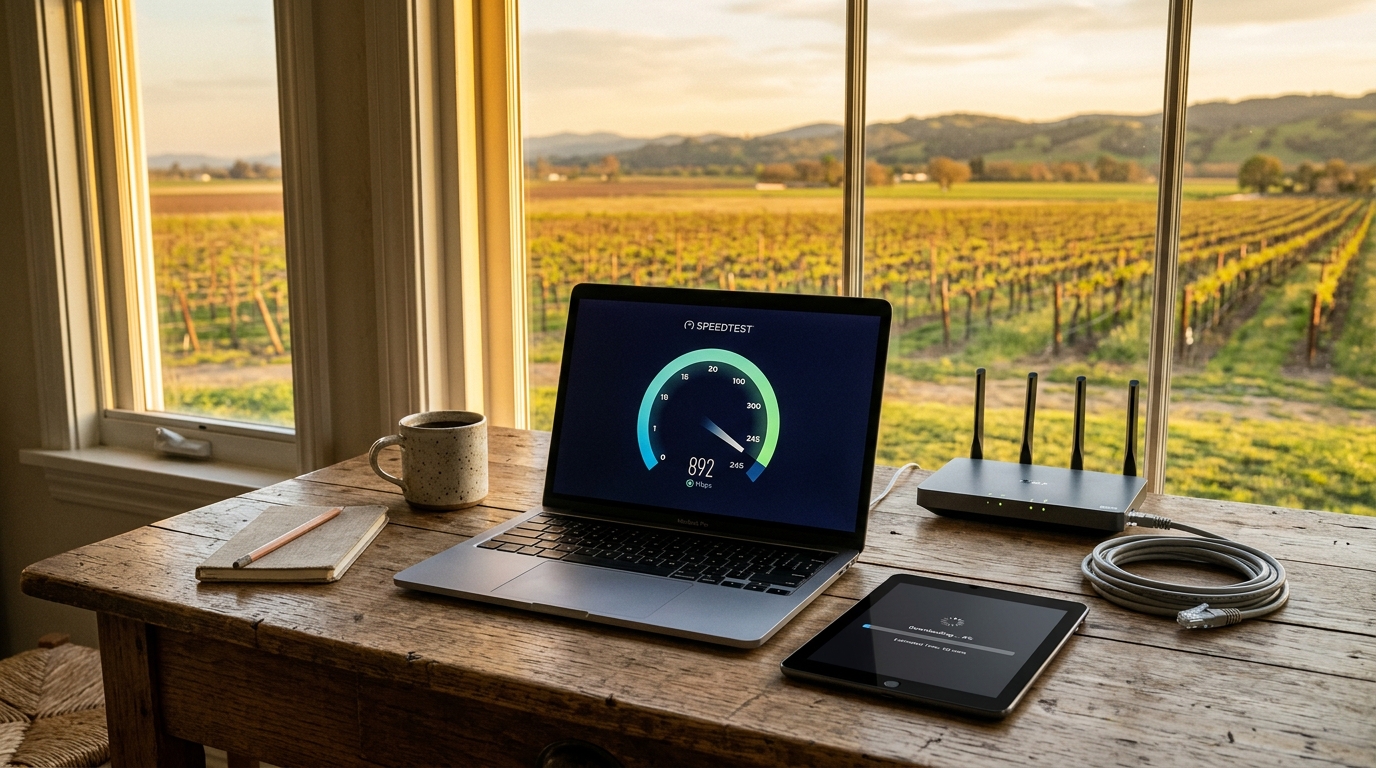
Download Speed Slow but Speedtest Is Fast? Here's What's Actually Going On
So you just ran a speed test. The number looks great, maybe 300, 500, even 600+ Mbps. You feel good. Then you hop on Steam, start downloading a game, and the progress bar says 10-12 MB/s. Maybe less.
Your first instinct? Something's wrong with my internet.
I get it. This is one of the most common frustrations we hear about, and it trips up even fairly tech-savvy people. But in a lot of cases, your internet connection is actually doing exactly what it should. The disconnect is happening somewhere else entirely.. What's really going on, step by step, so you can figure out if you actually have a problem and if so, how to fix it.
The MB/s vs. Mbps Trap (This Catches Almost Everyone)
This is the big one. If you take nothing else from this post, take this:
Megabits per second (Mbps) and megabytes per second (MB/s) are not the same thing.
Speed tests report in Mbps (megabits). Download managers, Steam, Epic Games, and most apps report in MB/s (megabytes). There are 8 bits in a byte, so:
- 600 Mbps ÷ 8 = 75 MB/s (theoretical max)
- 300 Mbps ÷ 8 = 37.5 MB/s
- 100 Mbps ÷ 8 = 12.5 MB/s
See that last one? If your plan is 100 Mbps and Steam shows 10-12 MB/s, you're actually getting almost exactly what you're paying for. No problem at all, just a unit conversion that nobody bothers to explain clearly.
Quick conversion cheat sheet:
| Speedtest Result (Mbps) | Expected Download (MB/s) |
|---|---|
| 100 | ~12 |
| 200 | ~25 |
| 300 | ~37 |
| 500 | ~62 |
| 600 | ~75 |
| 1000 (1 Gig) | ~125 |
Now, if you're getting 600 Mbps on a speed test but only 10-12 MB/s on Steam, that is a real gap. You should be seeing roughly 60-75 MB/s in downloads. So let's dig into what else could be going on.
When the Numbers Actually Don't Add Up: Real Causes
Okay, so you've done the math, and your downloads genuinely are slower than they should be. Here's where it gets interesting. The bottleneck is rarely your ISP's connection to your home. It's almost always one of these:
1. The Download Server Is the Bottleneck
This is the most common real issue, and it's the one you have the least control over. When you download from Steam, you're not downloading from some magical unlimited pipe. You're downloading from a specific server, and that server has its own bandwidth limits and congestion.
Think of it this way: your driveway can fit four cars side by side, but if the road leading to your neighborhood only has one lane open, you're still stuck in traffic.
What to try:
- In Steam, go to Settings → Downloads → Download Region and try a different server. Sometimes a server one state over is less congested than the nearest one.
- Try downloading at off-peak hours. I know that sounds obvious, but major game launches can absolutely crush download servers for hours.
- For non-Steam downloads, try a different mirror if the option exists.
2. Your Wi-Fi Is Lying to You
Here's a scenario I see constantly: someone runs a speed test on their phone sitting next to their router, gets 600 Mbps, then downloads a game on their desktop PC two rooms away and wonders why it's slow.
Speed tests measure the connection between that specific device and the test server at that specific moment. Your gaming PC in the basement on Wi-Fi might be getting a fraction of what your phone gets three feet from the router.
What to try:
- Run the speed test on the same device that's doing the slow download. This is crucial.
- If possible, use an Ethernet cable. I could be wrong, but from what I've seen over the years, this single change fixes more "slow download" complaints than everything else combined.
- Check your Wi-Fi band. If you're on 2.4 GHz instead of 5 GHz, you're leaving a lot of speed on the table (though 2.4 GHz has better range, which is the tradeoff).
3. Your Hardware Might Be the Bottleneck
This one's sneaky. You could have a gigabit connection and perfect Wi-Fi, and still get throttled by:
- An old router that can't actually push modern speeds. If your router is more than 4-5 years old, it might max out at 100 Mbps on its Ethernet ports or lack modern Wi-Fi standards.
- A slow hard drive. If you're downloading to a traditional spinning hard drive (HDD) that's nearly full, write speeds can drop well below what your internet delivers. The data arrives faster than the drive can save it, so the download throttles itself.
- An Ethernet cable rated below Cat 5e. Old Cat 5 cables max out at 100 Mbps. You want Cat 5e or Cat 6.
- Your PC's network adapter. Some older laptops have network cards that just can't handle high throughput.
What to try:
- Check your router's specs. Look for Wi-Fi 5 (802.11ac) at minimum, ideally Wi-Fi 6.
- Download to an SSD instead of an HDD if you have one available.
- Replace that ancient Ethernet cable you've been using since 2009. A Cat 6 cable costs like $8.
4. Software Interference
VPNs, antivirus real-time scanning, Windows updates downloading in the background, other devices streaming 4K. All of these eat into your available bandwidth or add processing overhead that slows downloads.
What to try:
- Temporarily disable your VPN and see if speeds jump. VPNs add encryption overhead and route traffic through their own servers. Even a good one can cut speeds significantly.
- Pause Windows Update, close background apps, and see if you notice a difference.
- Check if other household members are doing bandwidth-heavy stuff simultaneously. At Softcom Internet Communications, we regularly help customers understand how their household usage patterns affect individual device performance, because it's almost never just one thing.
How to Actually Troubleshoot This (Step by Step)
Instead of guessing, here's the process I'd recommend:
1. Do the math first. Convert your speed test result from Mbps to MB/s. If the download speed roughly matches, you don't have a problem. You have a unit conversion misunderstanding. No shame in it.
2. Test on the same device, wired. Plug your computer directly into your router with an Ethernet cable. Run a speed test. Then try your download. If speeds are now good, the issue was Wi-Fi.
3. Try a different download source. If Steam is slow, try downloading something from Microsoft, a Linux ISO, or another large file host. If those are fast, Steam's server was the bottleneck.
4. Check your hardware chain. Router age, cable quality, drive speed, network adapter. Any one of these being outdated creates a ceiling on your speeds regardless of what your ISP delivers.
5. Monitor your network. Open Task Manager (Windows) or Activity Monitor (Mac) and look at the Network tab. See if something else is eating bandwidth you didn't know about.
If you've done all five and the numbers still don't add up, then it's worth contacting your ISP. A good provider, and this is something we prioritize at Softcom Internet Communications, will actually work through the diagnostics with you rather than just telling you to restart your router.
What About "Throttling"? Is Your ISP Slowing You Down?
I see this accusation a lot online, and I want to be straightforward: legitimate throttling of specific services does happen with some providers, but it's far less common than people think. Most of the time, the real culprit is one of the things I listed above.
That said, you can test for it:
- Download a file with and without a VPN. If your download is dramatically faster through a VPN, that's a red flag for throttling (since the VPN hides what type of traffic you're sending).
- Test at different times of day. Consistent slowdowns during peak evening hours (7-11 PM) across all services could indicate network congestion at the ISP level rather than targeted throttling.
One advantage of working with a regional provider like Softcom Internet Communications is that you're not just a ticket number. If there's a network issue affecting your area, we know about it, and more importantly, you can actually reach someone who can explain what's going on.
Key Takeaways
- Check your units first. 600 Mbps = ~75 MB/s. Most "slow download" complaints are actually just a misunderstanding of Mbps vs. MB/s.
- The download server matters as much as your connection. Steam, Epic, and other platforms have their own speed limits and congestion.
- Always test wired. Wi-Fi introduces too many variables to be a reliable benchmark.
- Old hardware creates invisible speed ceilings. Your router, Ethernet cable, and hard drive all have maximum speeds that may be lower than your internet plan.
- Throttling exists but is over-blamed. Try the other fixes first before assuming your ISP is out to get you.
- When in doubt, do the full troubleshooting sequence. Math first, wired test second, different source third, hardware check fourth.
Getting the speed you're paying for matters, and at Softcom Internet Communications, we'd rather help you squeeze every bit of performance out of your connection than have you wondering if something's broken. If you've worked through everything here and things still aren't right, chat with our team on our website and we'll dig into it with you.
Frequently Asked Questions
Why does my speed test show 500 Mbps but Steam only downloads at 12 MB/s?
Most likely a units issue combined with a server bottleneck. 500 Mbps equals about 62 MB/s in real download terms. If you're only seeing 12 MB/s (which equals about 96 Mbps), the download server itself may be congested, or your Wi-Fi connection to that device isn't delivering full speed. Try changing your Steam download region and testing on a wired connection.
Is my ISP throttling my gaming downloads?
It's possible but unlikely to be the first explanation. Test by running the same download with and without a VPN. If the VPN dramatically improves speed, throttling could be a factor. If speeds are similar, the bottleneck is elsewhere, usually the download server or your local network setup.
Should I use Wi-Fi or Ethernet for downloading large files?
Ethernet, every time. Wi-Fi speeds fluctuate based on distance, interference, walls, and how many devices are connected. A direct Ethernet connection (Cat 5e or better) gives you a stable, consistent link that eliminates one of the biggest variables in download performance.
Why are my downloads slow only at certain times of day?
Peak usage hours, typically evenings and weekends, cause congestion both on download servers and potentially on your local network (if other household members are streaming or gaming). Try downloading during off-peak hours, or schedule large downloads overnight. If the slowdown is extreme and consistent, it may be worth discussing with your internet provider to see if there's local network congestion.
Does my router affect download speed even if my internet plan is fast?
Absolutely. An older router might have 100 Mbps Ethernet ports, outdated Wi-Fi standards, or a processor that can't handle high throughput. If your internet plan exceeds your router's capabilities, the router becomes the bottleneck. Check your router's specs against your plan speed, and if it's been more than 4-5 years, an upgrade is probably overdue.